
staniot Secpanel 5 (8-Piece Alarm Kit)
Staniot 8-Piece Home Alarm System User Manual
Model: Secpanel 5 (8-Piece Alarm Kit)
Brand: staniot
1. ਜਾਣ-ਪਛਾਣ
The Staniot Secpanel 5 is a new generation 8-piece wireless home security system designed to provide comprehensive protection for your home or office. This system features a 4.3-inch IPS touchscreen panel, 4G/GSM connectivity for reliable notifications, a built-in high-decibel siren, and compatibility with smart assistants like Alexa and Google Assistant. Its user-friendly design allows for flexible installation, either desktop placement or wall-mounted with concealed wiring.
This manual provides detailed instructions for setting up, operating, and maintaining your Staniot Home Alarm System to ensure optimal performance and security.
2. ਪੈਕੇਜ ਸਮੱਗਰੀ
Upon unboxing, please verify that all the following components are included in your Staniot 8-Piece Home Alarm System kit:
- Smart Security Panel × 1
- Entry Sensor × 4
- ਰਿਮੋਟ ਕੰਟਰੋਲ × 2
- PIR Motion Sensor × 1

ਚਿੱਤਰ: ਓਵਰview of the Staniot 8-Piece Home Alarm System kit, showing the main panel, motion sensor, entry sensors, and remote controls.
3. ਉਤਪਾਦ ਖਤਮview
3.1 Smart Security Panel
The central hub of your security system, featuring a 4.3-inch IPS touchscreen with anti-fingerprint technology for smooth and responsive operation. It includes a built-in high-decibel siren, a battery switch, a Micro USB 5V 1A port for power, and a Nano SIM slot for 2G/4G connectivity. The panel can be placed on a desktop or wall-mounted.

ਚਿੱਤਰ: ਵਿਸਤ੍ਰਿਤ view of the Staniot security panel, highlighting its 4.3-inch touch screen, microphone, LED indicator, speaker, battery switch, anti-disassembly switch, Micro USB port, Nano SIM slot, and cable clip.
3.2 ਪੀਆਈਆਰ ਮੋਸ਼ਨ ਸੈਂਸਰ
Detects movement within its 110-degree detection range. Ideal for securing rooms and hallways. When armed, any detected motion will trigger the alarm.
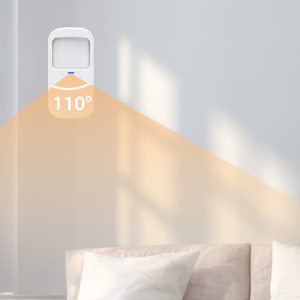
Image: A close-up of the Staniot PIR Motion Sensor, showing its compact design.
3.3 Entry Sensor (Door/Window Sensor)
Consists of two parts that detect when a door or window is opened. When the system is armed, separation of these parts will trigger an alarm.
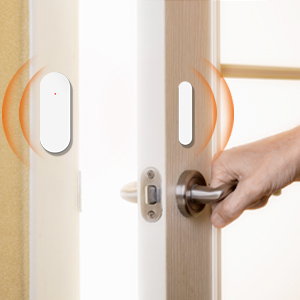
Image: A close-up of the Staniot Entry Sensor, showing its two magnetic components.
3.4 ਰਿਮੋਟ ਕੰਟਰੋਲ
Allows for convenient arming, disarming, and SOS functions from a distance.
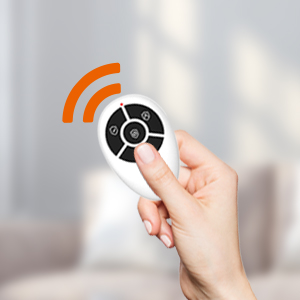
Image: A close-up of the Staniot Remote Control, showing its buttons for arming, disarming, and SOS.
4. ਸੈੱਟਅੱਪ ਗਾਈਡ
4.1 Powering On the Security Panel
- Connect the power adapter to the Micro USB port on the back of the security panel.
- Ensure the battery switch is in the 'ON' position. The panel will power on automatically.
4.2 ਇੰਸਟਾਲੇਸ਼ਨ ਵਿਧੀਆਂ
The Secpanel 5 offers versatile installation options:
- ਡੈਸਕਟੌਪ ਪਲੇਸਮੈਂਟ: Utilize the integrated desktop stand on the back of the panel. This allows for flexible placement anywhere in your home without drilling.
- ਕੰਧ-ਮਾਊਂਟ ਕੀਤੀ ਸਥਾਪਨਾ: The panel can be securely mounted to a wall. For a cleaner aesthetic, concealed wiring can be achieved using the cable clip design on the back.


Image: The Staniot security panel shown in both desktop placement with its stand and wall-mounted for a sleek installation.
4.3 ਐਪ ਡਾਊਨਲੋਡ ਅਤੇ ਵਾਈ-ਫਾਈ ਕਨੈਕਸ਼ਨ
- Scan the QR code displayed on the panel or in the quick start guide to download the official mobile application.
- Follow the in-app instructions to connect the security panel to your 2.4GHz Wi-Fi network. (Note: 5GHz Wi-Fi networks are not supported).
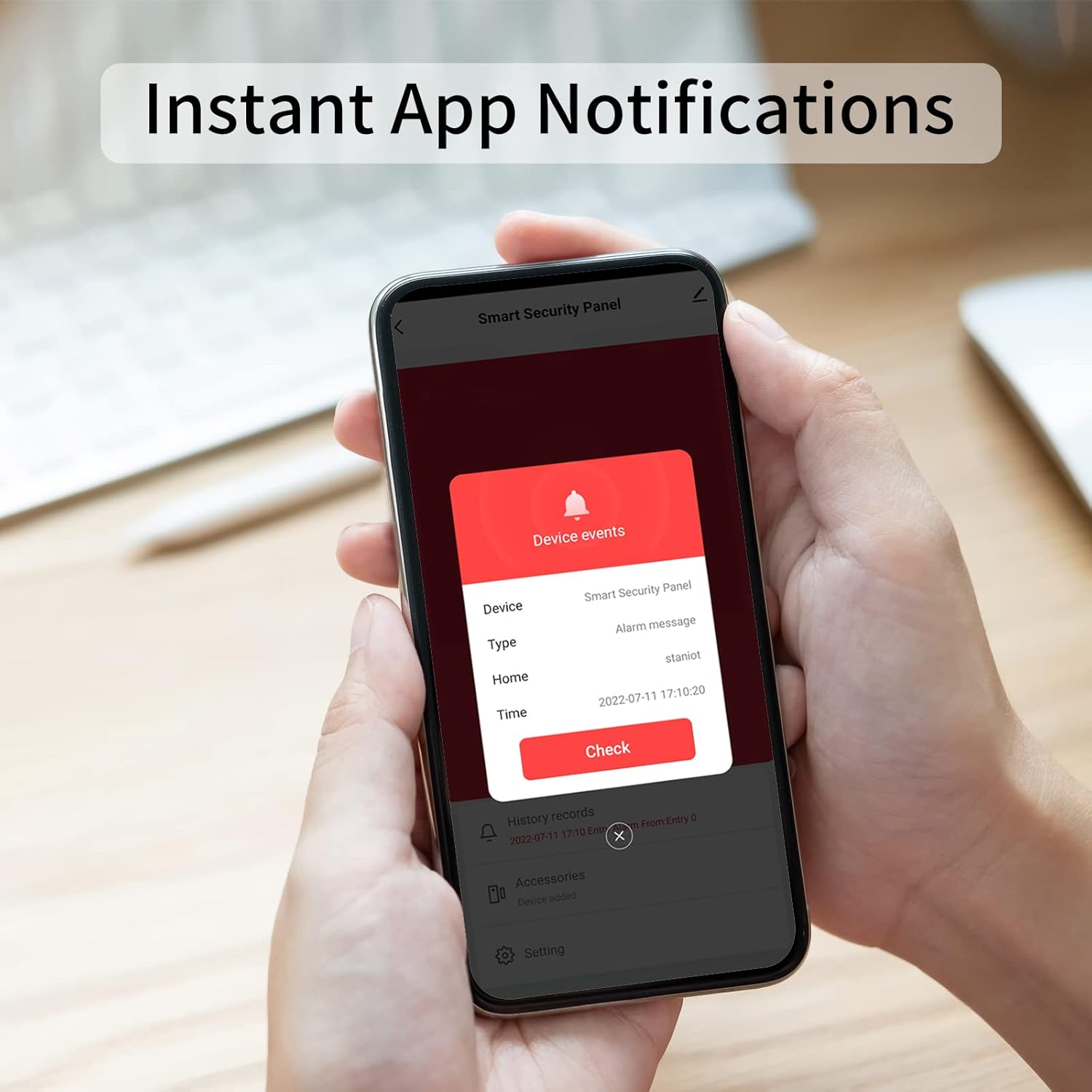
Image: A smartphone displaying an instant app notification from the Staniot security panel, indicating a device event.
4.4 ਸੈਂਸਰ ਪੇਅਰਿੰਗ
The system is designed for easy sensor pairing:
- Navigate to the security menu on the panel or in the app.
- Select 'Add Sensors' or 'Add Device'.
- Trigger the sensor (e.g., open/close an entry sensor, wave hand in front of motion sensor). The panel will detect and add the sensor automatically.
- You can rename sensors within the app for easier identification (e.g., "Front Door", "Living Room Motion").
4.5 SIM Card Installation (Optional)
For 4G/GSM functionality, insert a Nano SIM card into the designated slot on the back of the panel. This enables text messages and calls for alarm notifications, ensuring you receive alerts even without Wi-Fi.
5. ਓਪਰੇਸ਼ਨ
5.1 ਸਿਸਟਮ ਨੂੰ ਹਥਿਆਰਬੰਦ ਅਤੇ ਨਿਹੱਥੇ ਕਰਨਾ
ਸਿਸਟਮ ਨੂੰ ਕਈ ਤਰੀਕਿਆਂ ਨਾਲ ਹਥਿਆਰਬੰਦ ਜਾਂ ਨਿਹੱਥੇ ਕੀਤਾ ਜਾ ਸਕਦਾ ਹੈ:
- ਸੁਰੱਖਿਆ ਪੈਨਲ: Use the touchscreen interface to select 'Away' (full arm), 'Home' (partial arm), or 'Disarm'.
- ਮੋਬਾਈਲ ਐਪ: Remotely arm or disarm the device from anywhere via the app.
- ਰਿਮੋਟ ਕੰਟਰੋਲ: Press the corresponding buttons on the remote control for quick arming or disarming.
- ਵੌਇਸ ਕੰਟਰੋਲ: Integrate with Alexa or Google Assistant to arm and disarm the system using voice commands.
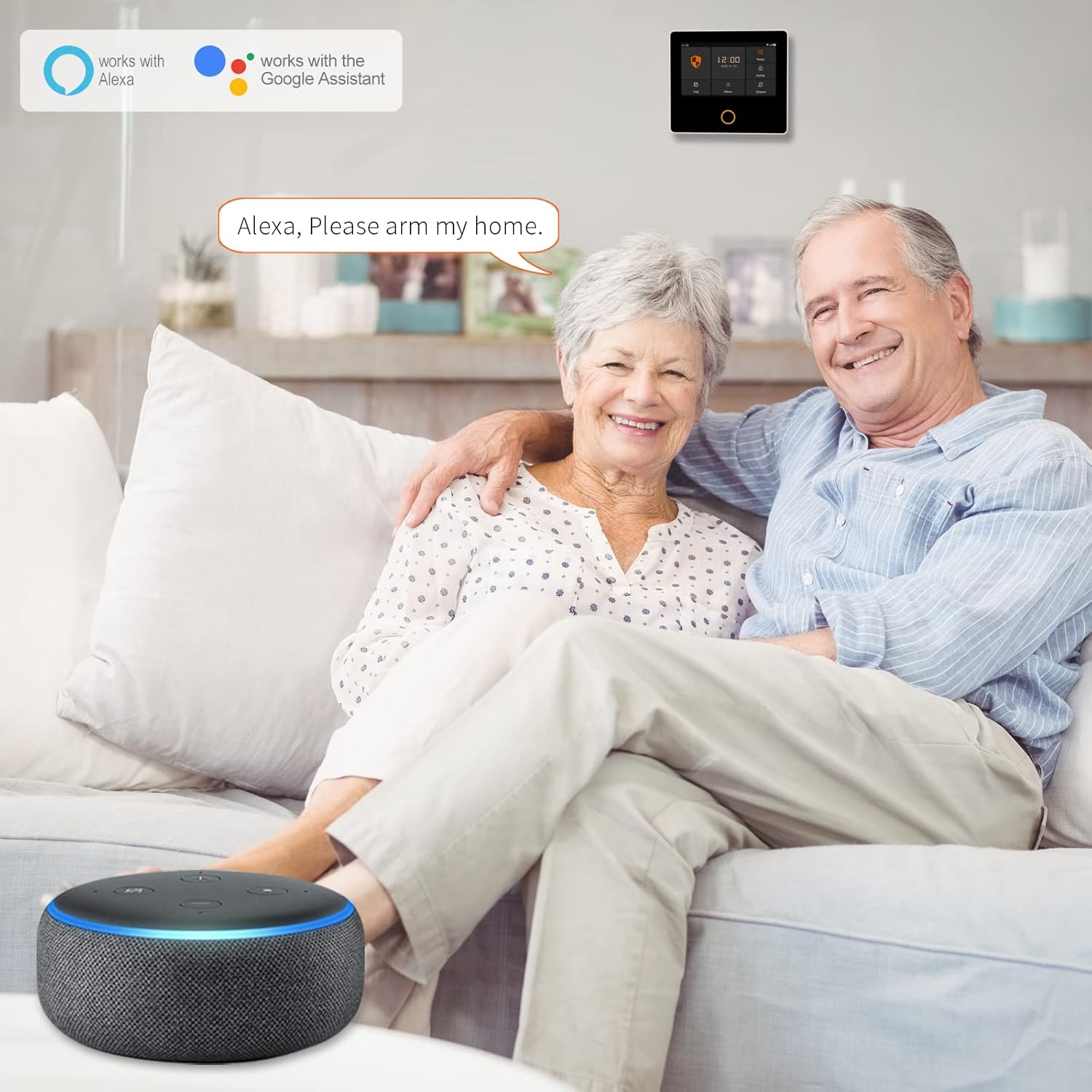
Image: A user interacting with an Alexa device to arm the Staniot security system, demonstrating voice control capabilities.
5.2 ਅਲਾਰਮ ਸੂਚਨਾਵਾਂ
When an alarm is triggered, the system provides immediate alerts:
- ਬਿਲਟ-ਇਨ ਸਾਇਰਨ: The panel's integrated siren will sound at approximately 110 decibels to deter intruders.
- Phone/SMS Notifications: If a 4G/GSM SIM card is installed, the panel will send text messages and make calls to pre-set phone numbers.
- ਐਪ ਪੁਸ਼ ਸੂਚਨਾਵਾਂ: The mobile app will send instant push notifications to your smartphone.

Image: An illustration showing the Staniot alarm system detecting a burglar, with the panel displaying an alarm and the siren activating.

Image: A visual representation of the Staniot panel's built-in siren and buzzer, indicating loud sound output to deter intruders.
5.3 Two-Way Calls
The security panel supports two-way calls, allowing you to communicate through the panel to check on your home environment.
5.4 Real-time Status Monitoring
Through the mobile app, you can check the real-time open/closed status of doors and windows, providing constant awareness of your home's security.
6. ਰੱਖ-ਰਖਾਅ
6.1 OTA ਔਨਲਾਈਨ ਅੱਪਗ੍ਰੇਡ
The Staniot system supports Over-The-Air (OTA) online upgrades. This ensures continuous optimization, new features, and improved functionality without any extra fees or contracts. The system will push upgrade notifications when available.

Image: An illustration showing the Staniot panel and a smartphone, indicating continuous updates are provided with no extra fees or contracts via OTA.
6.2 ਬੈਟਰੀ ਪ੍ਰਬੰਧਨ
The security panel includes a larger-capacity battery for backup power. Ensure the battery switch is on for continuous operation during power outages. Periodically check the battery status via the panel or app.
6.3 ਸਫਾਈ
Wipe the security panel and sensors with a soft, dry cloth. Avoid using abrasive cleaners or solvents that could damage the surfaces.
7. ਸਮੱਸਿਆ ਨਿਪਟਾਰਾ
If you encounter any issues with your Staniot Home Alarm System, please refer to the following common solutions or contact customer support.
- Panel not powering on: Ensure the power adapter is securely connected and the battery switch on the back of the panel is in the 'ON' position.
- Wi-Fi ਨਾਲ ਕਨੈਕਟ ਨਹੀਂ ਕੀਤਾ ਜਾ ਸਕਦਾ ਹੈ: Verify that your Wi-Fi network is 2.4GHz. Ensure correct Wi-Fi password entry. Try restarting your router and the security panel.
- Sensors not pairing: Make sure the sensor is within range of the main panel. Check the sensor's battery. Follow the pairing instructions carefully.
- No phone/SMS notifications: Ensure a valid and active 4G/GSM SIM card is inserted and has sufficient credit/data. Check network signal strength on the panel. Verify phone numbers are correctly configured in the app.
- Alarm triggers unexpectedly: Check sensor placement to avoid false alarms (e.g., motion sensor facing a window with moving curtains). Adjust sensitivity settings if available.
For further assistance, please contact Staniot customer service.
8 ਨਿਰਧਾਰਨ
| ਵਿਸ਼ੇਸ਼ਤਾ | ਨਿਰਧਾਰਨ |
|---|---|
| ਨਿਰਮਾਤਾ | ਸਟੈਨਿਓਟ |
| ਭਾਗ ਨੰਬਰ | H502 |
| ਉਤਪਾਦ ਮਾਪ | 21.59 x 16.51 x 7.37 ਸੈ.ਮੀ |
| ਆਈਟਮ ਦਾ ਭਾਰ | 890 ਜੀ |
| ਬੈਟਰੀਆਂ | 1 ਲਿਥੀਅਮ ਆਇਨ ਬੈਟਰੀ ਦੀ ਲੋੜ ਹੈ (ਸ਼ਾਮਲ) |
| ਆਈਟਮ ਮਾਡਲ ਨੰਬਰ | 8-Piece Alarm Kit |
| ਰੰਗ | White Alarm System |
| ਪਾਵਰ ਸਰੋਤ | ਬੈਟਰੀ ਦੁਆਰਾ ਸੰਚਾਲਿਤ |
| ਵੋਲtage | 5 ਵੋਲਟ |
| ਇੰਸਟਾਲੇਸ਼ਨ ਵਿਧੀ | Desktop placement or Wall-mounted |
| ਧੁਨੀ ਪੱਧਰ | 110 dB |
| ਪਲੱਗ ਪ੍ਰੋfile | ਫੈਲ ਰਿਹਾ ਹੈ |
| ਸਵਿਚ ਸਟਾਈਲ | ਸਲਾਈਡ ਸਵਿਚ |
| ਸਰਟੀਫਿਕੇਸ਼ਨ | UKCA, CE |
| ਵਰਤੋਂ | Office, alarm system, home security, Apartment, Home |
| ਅਨੁਕੂਲ ਜੰਤਰ | ਸਮਾਰਟਫ਼ੋਨ |
9. ਅਧਿਕਾਰਤ ਉਤਪਾਦ ਵੀਡੀਓ
Video: An official product video demonstrating the Staniot Secpanel 5 Alarm System's features and functionality.
10. ਵਾਰੰਟੀ ਅਤੇ ਸਹਾਇਤਾ
Staniot is committed to providing high-quality products and excellent customer service. If you encounter any issues or have questions regarding your Staniot Home Alarm System, please do not hesitate to contact our customer support team. Your satisfaction is our primary goal, and we will work to resolve any problems as quickly as possible.
ਖਾਸ ਵਾਰੰਟੀ ਵੇਰਵਿਆਂ ਅਤੇ ਸੰਪਰਕ ਜਾਣਕਾਰੀ ਲਈ ਕਿਰਪਾ ਕਰਕੇ ਆਪਣੇ ਖਰੀਦ ਦਸਤਾਵੇਜ਼ ਵੇਖੋ।
Ask a question about this manual
Ask about setup, troubleshooting, compatibility, parts, safety, or missing instructions. Manuals+ will review the question and use this page’s manual context to help answer it.